Stefan Kovalik · March 6, 2026 (updated March 11) · 8 min read
I started building Cognograph on January 7, 2026. Nine weeks and 596 commits later, it’s a spatial AI canvas for orchestrating web design projects. The SaaS infrastructure shipped. The design system shipped. Now I’m looking for the first 100 people to use it.
Why It Exists
I have ASD and severe combined-type ADHD. Files in folders don't work for me. Linear chat doesn't work for me. I need to see everything spatially, with connections I can trace with my eyes.
The trigger was building this site. I was running 2-6 Claude Code CLI sessions at once, each one unaware of the others, held together with invisible scaffolding and manual context injection. Copy the design tokens into this session. Paste the brand guidelines into that one. Remind the third about the component you just built in the first. It worked, technically. It also felt like holding six conversations where nobody could hear anyone else.
Even after optimizing the workflow with skills, plugins, MCP layers, and programming Claude itself, the invisible infrastructure kept growing. Long sessions needed planning docs, implementation docs, persona loops, memory state files. An entire workspace of scaffolding that lived outside the tool, invisible to me, and hard to keep track of. I eventually got the hang of it, but that's the point: most people are not going to open a terminal, cd into a directory, and type claude to start a session. Not until they need more than one or two windows open at once, and by then they're already drowning in the same context collapse I was.
It's a broader problem than my workflow. Every AI tool suffers from it: you're building a 15-component project, but the AI can only see the one file you're editing. It doesn't know about your brand guidelines, your design tokens, or the five other components that need to stay consistent. 47 browser tabs. Context lost between conversations. Redoing work because you couldn't find where you'd already done it.
Cognograph solves that by making context spatial. You arrange your project on a canvas, draw connections between related pieces, and when you invoke AI on any node, it traverses the graph and injects the relevant context automatically. Your layout is your prompt engineering.
Where It Lives
The web version is live at canvas.cognograph.app. The desktop app (Electron) is further along but not publicly available yet. Four provisional patents filed.
Nine Weeks
Nine weeks of building, when you can’t stop thinking about the thing you’re building:
Jan 7
Day zero
First prototype. Electron, React Flow, four node types. A canvas where you could talk to AI and see your conversations as objects in space. The idea was simple: what if your workspace was spatial, and the AI could see all of it?
Jan 13
The vision crystallizes
Wrote the VISION doc and the long-term north star: a 3D spatial desktop inspired by the film Her. Cognograph as the 2.5D stepping stone. Context injection spec'd out: connected nodes automatically feed into AI prompts. The canvas doesn't just organize your work, it IS the prompt.
Jan 15
The rebuild
Scrapped the prototype and started clean. v1.0 committed with the architecture I actually wanted: proper state management, typed data layer, graph traversal for context injection. The first prototype taught me what to build. This was building it.
Jan 16
36 commits in one day
Property system. Edge system with context settings. Artifact system with drag-and-drop. Template system. AI workspace editor spec. The context injection engine, the thing that makes the whole product work, went from spec to implementation in a single session.
Jan 19–25
Agent mode, MCP server, first daily driver
Embedded agent mode so the AI can act autonomously. MCP server so external tools can talk to the canvas. Resizable nodes, theme persistence, light mode. Hit v1.4.8 and the note in the commit log says “working iterative version.” I started using it for real work.
v1.4.8
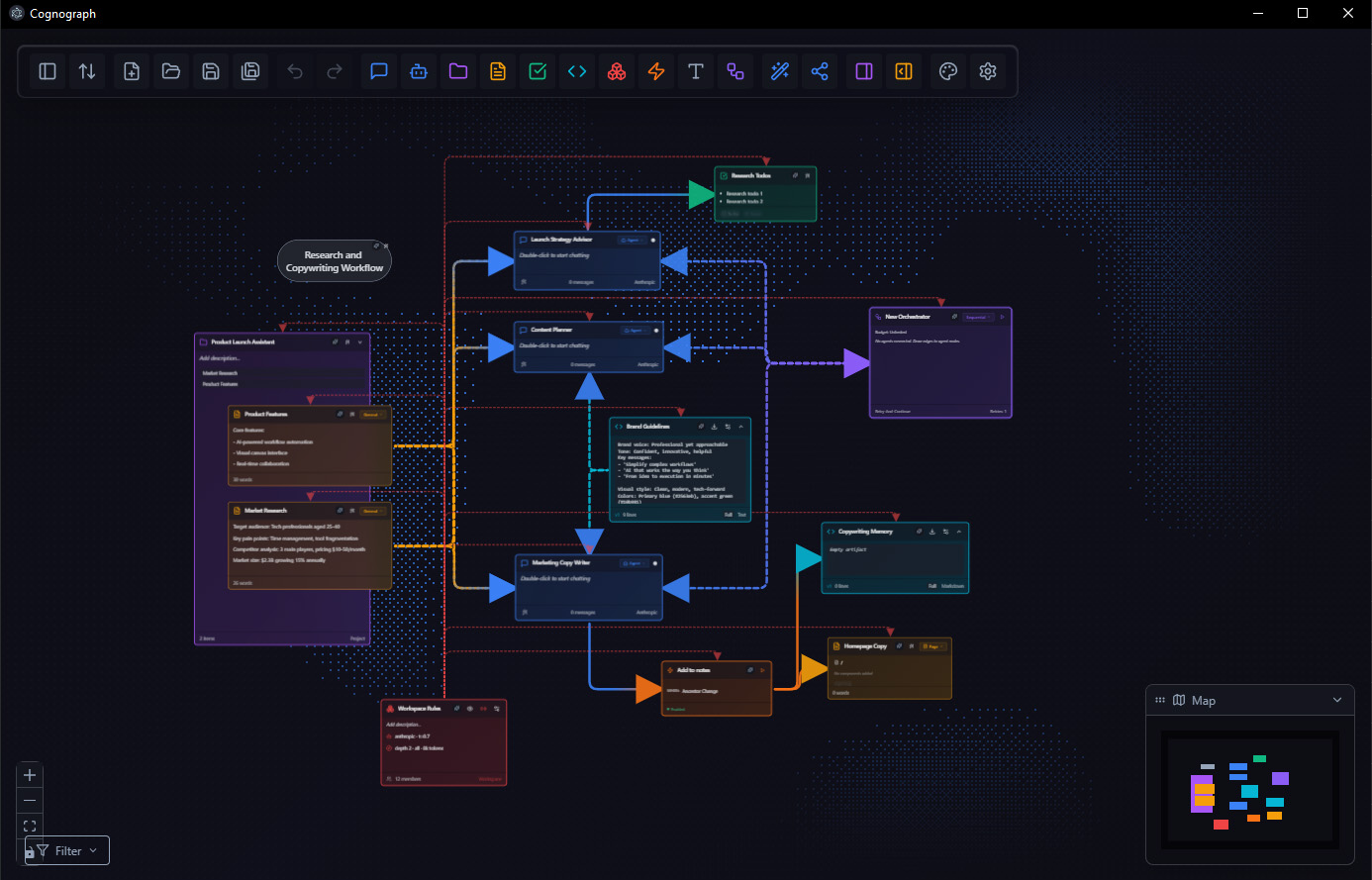
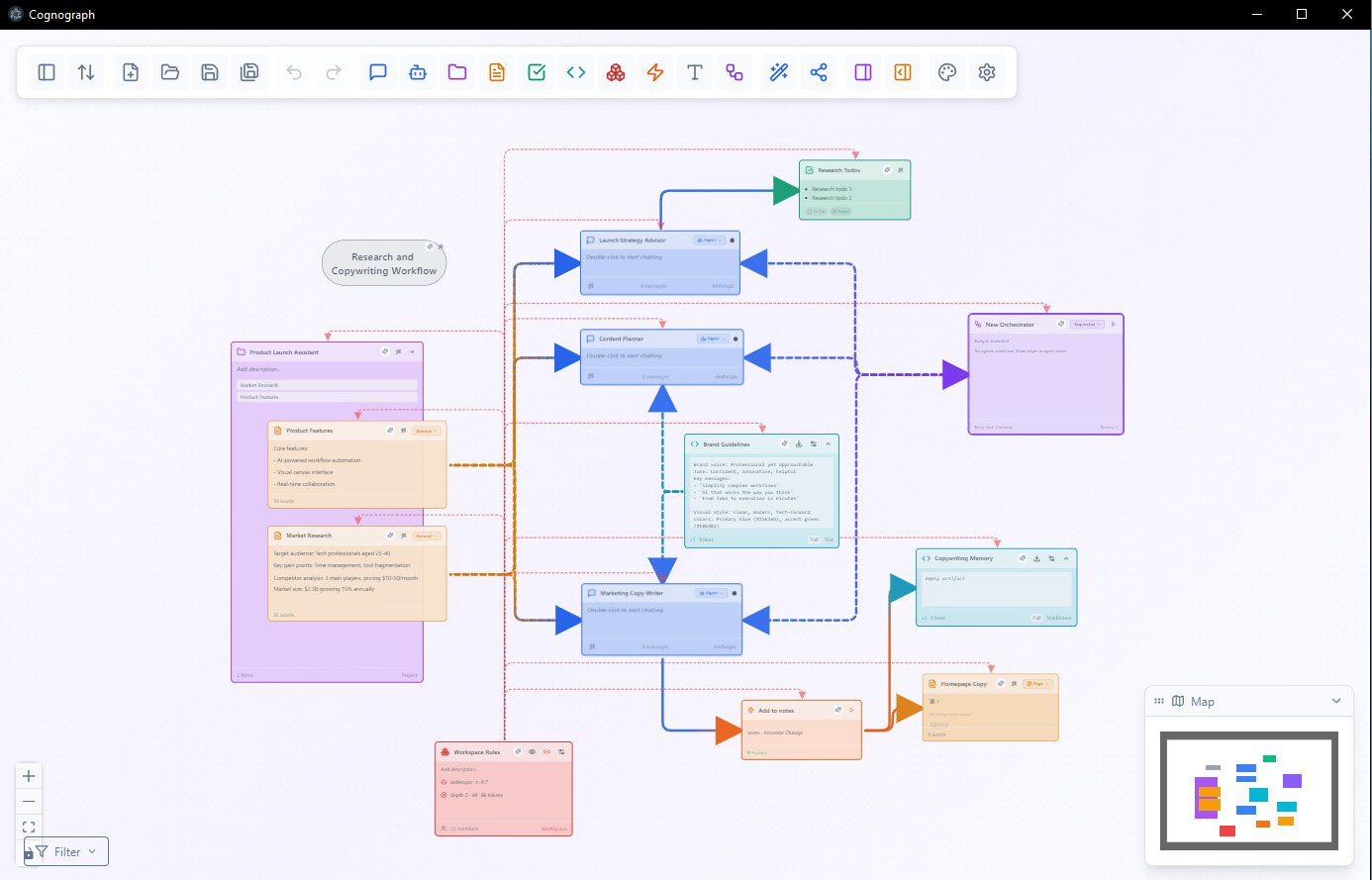
A real workspace: Research and Copywriting Workflow with context edges
Feb 1
The UX sprint
30+ commits. Command palette. Focus Mode (reduced stimuli for neurodivergent users). Visual bookmarks. Quick node creation shortcuts. Task completion celebrations. After 350 iterations of UX evaluation with AI personas, the interface started feeling like it belonged to someone. Not just functional. Opinionated.
Feb 7
20 ambient canvas effects
Starfield, fireflies, rain, aurora, flow fields, caustics, circuit traces. Not decoration. Published research supports ambient motion as an accessibility feature for ADHD (PMC 2023). The canvas feels alive, and that's the point.
Feb 10
Four patents filed
USPTO provisional applications filed. Four patent families. The kind of day where you realize what you’re building might actually be defensible.
Feb 11
The mega-plan day
60+ commits across 15 parallel build streams. Agent presets, cost visibility, live preview sandbox, Claude Code bridge, Electron packaging for Win/Mac/Linux, orchestrator node, site architecture nodes, plugin system. The single most productive day of the project.
Feb 14
The science validates it
19,000-word cognitive science literature review. 40+ peer-reviewed citations (O'Keefe, Cowan, Treisman, Norman, Shneiderman). This is also where the scientific foundation for Perception-First Design got formalized: the same research on spatial cognition, working memory limits, and processing fluency that underpins the methodology. Key finding: ~2x spatial recall advantage is real. Honest assessment: 2-5x realistic efficiency gain, not the speculative "10-1000x" you see in AI tool marketing.
Feb 24
Rich node depth system
The biggest single feature push. 5-level semantic zoom (far overview to fully expanded). Embedded terminal with PTY lifecycle management. Z-key zoom overlay. Cluster detection. Execution status with depth-of-field blur.
Feb 27
Web version goes live
Complete web adapter layer with local persistence, streaming, and a proxy for LLM calls. Same app, different runtime. Landing page with embedded demo canvas. cognograph.app and canvas.cognograph.app, both live. 53 days from first prototype to web launch.
53 days to web launch
Feb 28
The pivot
Went from "general-purpose AI canvas" to "AI-powered web design orchestration." The general-purpose version worked, but the market positioning was a shrug. Web design is the wedge: I've been doing it for 15 years, and every AI design tool I've tried suffers from the same context collapse problem I built Cognograph to solve.
Mar 1
Visual identity locks in
Signal White + Gold Glow accent system. Space Grotesk + Space Mono typography. Content-first node design, no glassmorphism. Stripped the chrome down to a single thin icon toolbar.
Mar 4
The hero ships
Zoom-out demo hero on the landing page: three embedded CLI terminals typing in real time, camera pulls back to reveal a 13-node spatial graph with gradient edges. 35-node read-only demo workspace. The kind of first impression you can't fake with a screenshot.
Mar 5–6
Dashboard, inspector, cloud design
Workspace foyer with template cards. Node-anchored quick inspector with property controls. Cloud workspace architecture designed (bring your own keys, multi-model). Creative pipeline spec for media generation inside nodes.
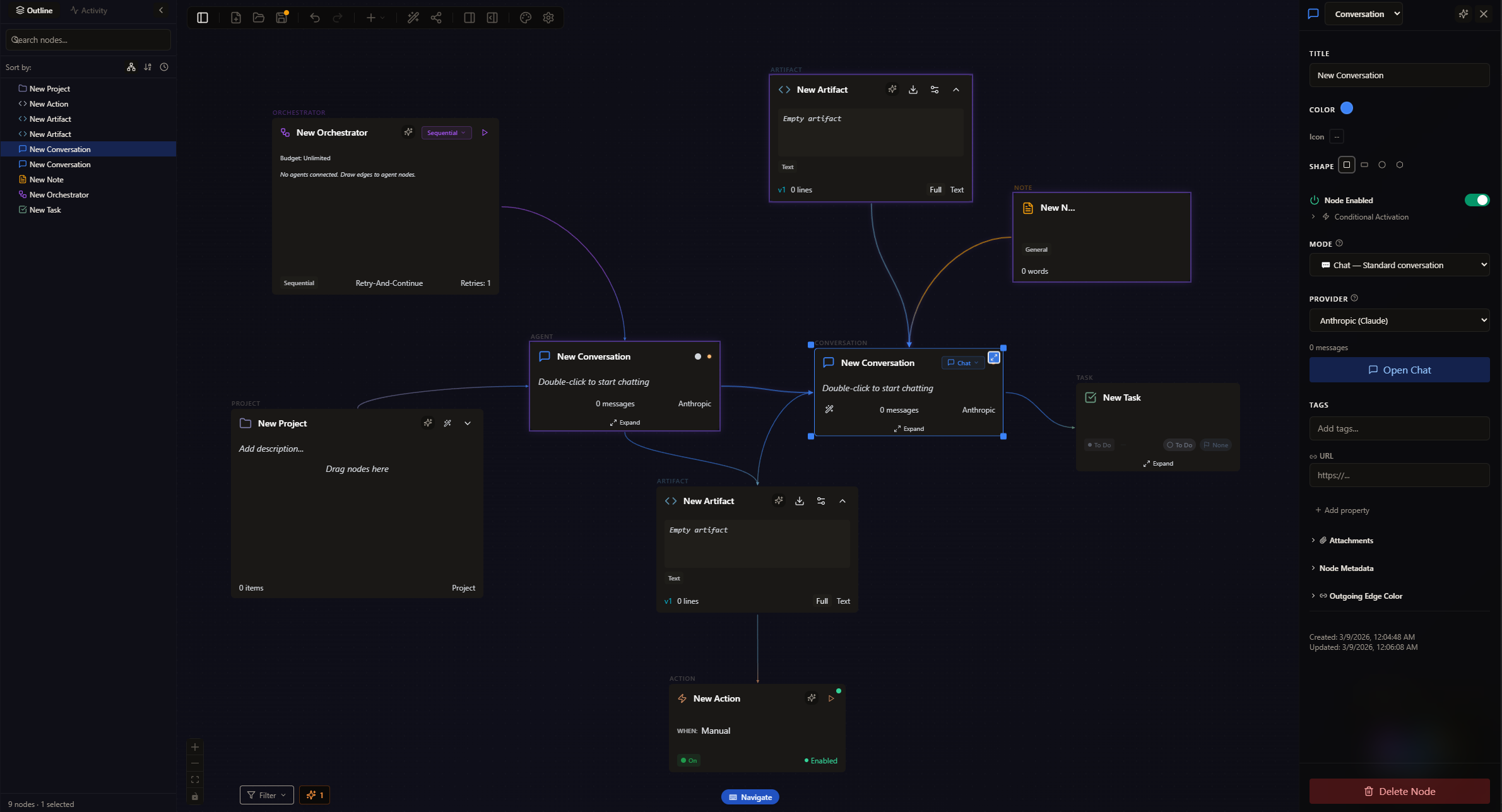
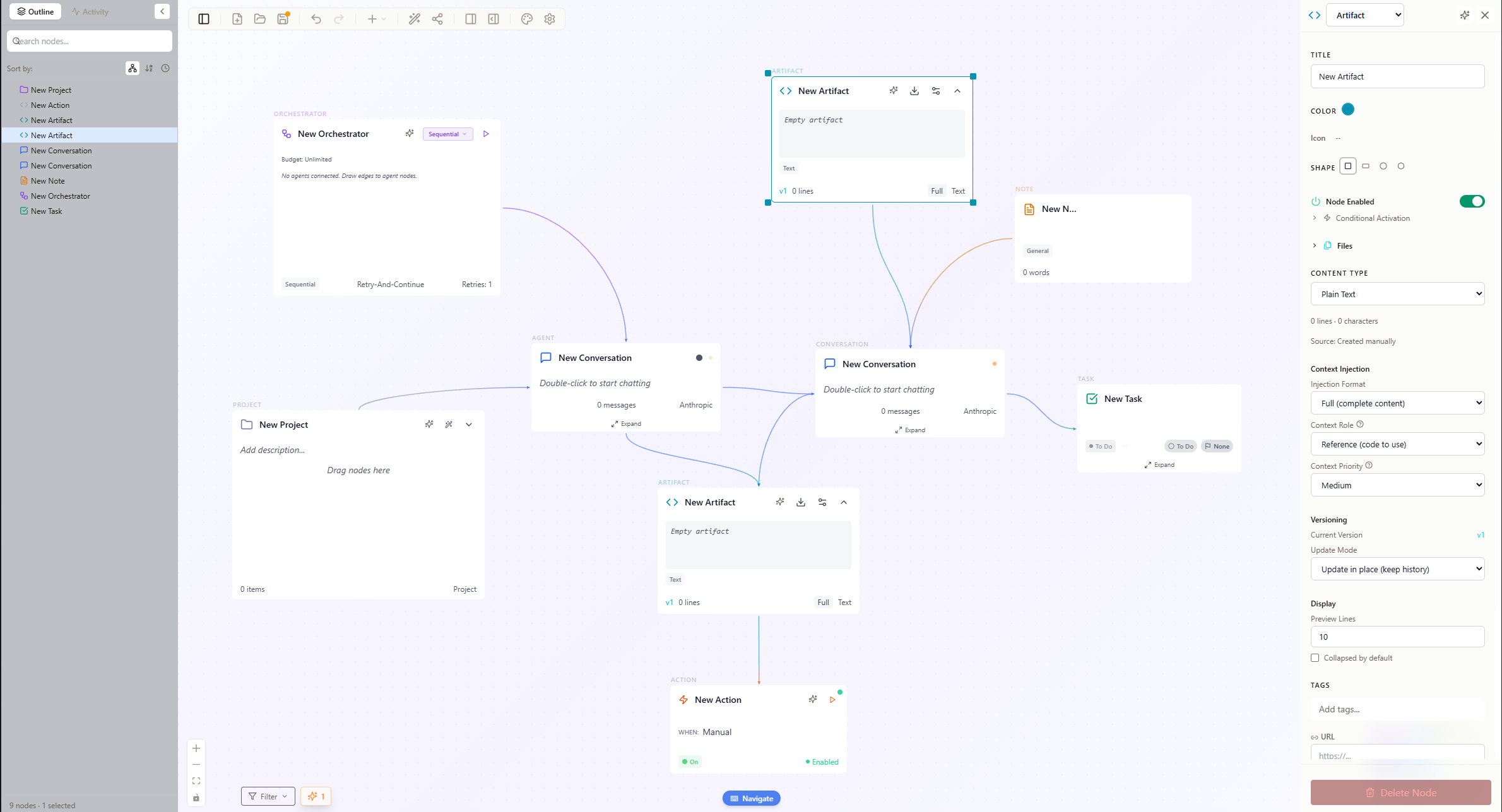
Nine node types, outline panel, and the properties inspector
Mar 6
SaaS feature-complete
Auth, billing, workspace sync, API key management, usage metering, orchestration server, and media generation pipeline. Landing page redesigned with CSS-only hero animation under 20KB.
Mar 7
SaaS infrastructure deployed
cognograph.app, api.cognograph.app, media.cognograph.app. Auth, billing, orchestration, and media storage all wired together. The full production stack, live and handling requests.
Mar 8–9
Design system audit + 41 mockups
Built an interactive style guide with implementation status badges on every section: what exists, what’s partial, what’s planned, what’s drifted from spec. Generated 41 screen mockups for planned features: artboard mode, level-of-detail zoom, onboarding sequence, spatial keyboard navigation. Designed the landing page through 9 rounds of iteration.
Mar 10
Design system shipped, SaaS backend complete
Level-of-detail universalized across all node types. Living Grid effect. Artboard mode for expanded node editing. Onboarding flow with template gallery. Spatial keyboard navigation with directional guide lines. Then server-side: quota enforcement, billing lifecycle management, and a transactional email system.
1,462 tests passing
Mar 11 · Now
OAuth, email infrastructure, pre-launch
GitHub and Google OAuth. Email infrastructure verified and branded. Billing webhooks covering the full subscription lifecycle. Pre-launch checklist written.
596 commits · 1,462 tests · patent-pending
Next
The first 100
Stripe live mode. Landing page rebuild with the React Flow hero running live on the page. Then the hard part: find a hundred people who build websites and are willing to try a different way of working with AI.
What Happens Next
When I wrote the original version of this post five days ago, the “Next” section listed onboarding, billing, templates, and cloud sync as the things I still needed to build. They’re done. All of them.
596 commits. 1,462 tests. Four patents. Full auth, billing, and email infrastructure. A design system with implementation audits. 41 mockups for features that are now real features.
I’m still looking for the same hundred people. If you build websites professionally and want to try a spatial approach to working with AI, the canvas is at canvas.cognograph.app. I’m reachable at .